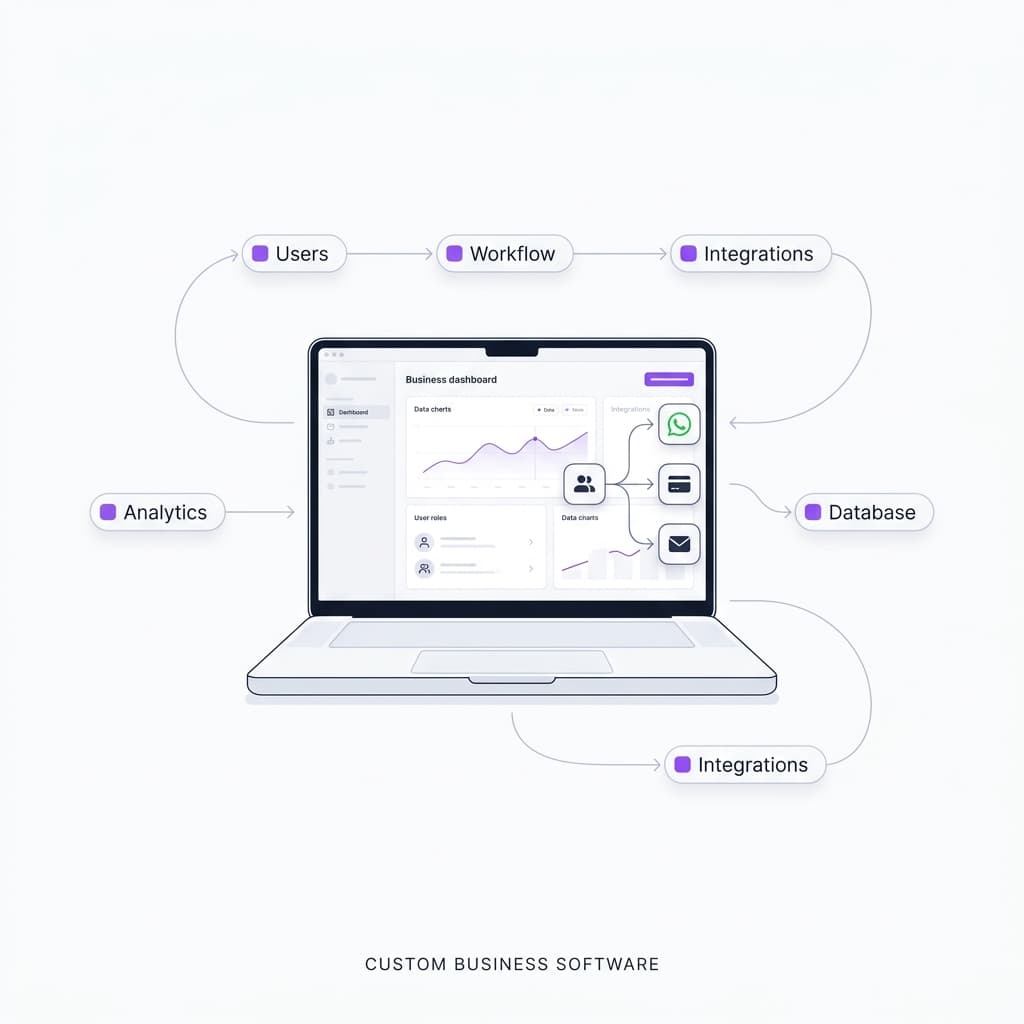
How Much Does Custom Business Software Cost in Sri Lanka?
Custom business software doesn't have one fixed price. The investment depends mainly on the complexity of the business workflow, number of users and roles, features, integrations, security requirements and long-term maintenance needs.
A simple internal tool can be very different from a multi-user business platform that handles customers, staff, payments, notifications, reports and integrations.
For this reason, businesses should evaluate custom software based on the problem it solves and the value it creates, rather than comparing development prices alone.
What Determines the Cost of Custom Business Software?
There are several factors that influence the overall development effort.
1. Business Workflow Complexity
This is one of the most important factors. A system that allows a single user to create and manage records is relatively straightforward. A business system may instead involve a chain of steps across multiple departments.
Each additional workflow introduces requirements for permissions, validation, database relationships, notifications and testing. The number of business processes is often more meaningful than simply counting pages or screens.
2. Number of Users and Roles
Different businesses require different levels of access. For example, a management system might have:
- Administrator
- Manager
- Cashier
- Technician
- Customer
Each role may require different permissions and workflows. A technician may only need to update assigned jobs, while an administrator may need access to reports, users, settings and financial information. This increases the system's functional and security requirements.
3. Features and Modules
The required modules also affect the overall scope. A business application might include:
- Customer management
- Employee management
- Inventory
- Billing
- Appointments
- Notifications
- Reports
- Dashboard
- Document management
- Attendance
- Payments
A system doesn't necessarily need all of these. The best approach is to identify the minimum features required to solve the actual business problem and then expand the system when necessary.
Third-Party Integrations
Integrations can significantly affect project complexity. Examples include:
- Payment gateways
- Email services
- SMS providers
- Google Maps
- Accounting systems
- External APIs
- AI services
For example, sending a message is relatively simple. Building a workflow where an AI system understands a customer's request, checks available information, performs an action and sends a response requires considerably more planning and testing.
Real-Time Features
Some businesses require information to update immediately. Examples:
- Live appointment availability
- Real-time job status
- Staff activity
- Notifications
- Live dashboards
- Order status
These requirements introduce additional backend, database and frontend considerations.
Security and User Permissions
Business applications often contain sensitive operational information. The system may need:
- Role-based access control
- Authentication
- Authorization
- Secure API endpoints
- Data validation
- Audit logs
- Backups
- Secure database access
Security should be considered as part of the architecture rather than added at the end of development.
Reporting and Analytics
A basic application may simply store information. A business management system often needs to answer questions such as:
- How many jobs were completed this month?
- Which staff member handled the most jobs?
- What are the monthly sales?
- Which services are most popular?
- How many appointments were cancelled?
These requirements affect both the database design and the application architecture.
Custom Software vs Ready-Made Software
Businesses often have two choices. Here is a comparison of both approaches:
Standard
Ready-Made Software
Advantages
- Faster to start
- Usually lower initial cost
- Existing features
Considerations
- Limited customization
- May contain unnecessary features
- Workflow may not match the business
- Integration limitations
- Recurring subscription costs
Recommended
Custom Software
Advantages
- Designed around the business
- Custom workflows
- Flexible integrations
- Role-specific functionality
- Can evolve with the business
Considerations
- Higher initial development effort
- Requires planning
- Requires ongoing maintenance
The right choice depends on the business rather than simply choosing whichever option has the lower initial price.
How Should a Business Estimate Its Software Requirement?
Before asking a development company for a quotation, prepare these five things:
- 1Identify the problem - what process is currently slow, manual or difficult to manage?
- 2Identify the users - who will use the system?
- 3Map the workflow - what happens from beginning to end?
- 4List the essential features - separate "must have" from "nice to have".
- 5Identify integrations - does the system need WhatsApp, payments, SMS, email, maps, AI or external APIs?
This information makes it much easier for a development team to understand the actual scope.
From Manual Process to Business Software
Consider a repair business. A traditional workflow might look like:
A custom system can transform this into:
The important point is that the software isn't valuable simply because it has a dashboard. Its value comes from improving the underlying business workflow.
What Should You Ask a Software Development Company?
Before comparing quotations, ask:
- What is included in the scope?
- How many user roles are supported?
- Is the backend included?
- Is database design included?
- Are integrations included?
- Is deployment included?
- What happens after launch?
- Is maintenance included?
- Who owns the source code?
- How are future changes handled?
- What security measures are implemented?
A cheaper quotation isn't necessarily cheaper if important parts of the project are excluded.
Zyrace Perspective
At Zyrace, we've approached different business applications by starting with the workflow rather than the technology.
For example, a business management system may involve multiple user roles, operational workflows, customer records, job tracking, reporting and notifications.
Similarly, an appointment-based business may require a workflow connecting:
This approach allows the technology to be designed around the way the business actually operates. You can explore our case studies to see examples of business systems and digital solutions we've developed.